Estimated read time: 8 minutes.
You searched for HMI software and landed on a list of packages, licence tiers and download buttons. That list does not tell you the thing a maintenance engineer in Malaysia or Singapore actually needs to know: which HMI software talks to the PLC already on your plant floor, and how you learn to use it without buying a licence first. This guide answers that for one pairing we teach every week in Johor Bahru: WinCC Comfort, used inside a Siemens S7-1200 course with TIA Portal V18.
It is written for maintenance and electrical engineers, automation technicians, project engineers and anyone who has been handed an HMI panel and told to "just update the screen". Everything here is taught on a training kit, not on a live production line, and the safety note below is not optional reading.
What HMI software actually is
An HMI is the touch screen on the machine. The HMI software is the program you use on a laptop to design what that screen shows: buttons, lamps, numeric fields, alarms and a picture of the process. It does not control the machine. The PLC does that. The HMI only reads and writes values that the PLC already exposes, so the software is useless on its own and only makes sense once you know which PLC it is paired with.
That is why "HMI software" as a search term is misleading. There is no single best package. There is a correct package for the PLC family you work on, and the wrong one will not compile a project for your panel at all.
The Siemens pairing: WinCC Comfort with the S7-1200
For the Siemens S7-1200 and S7-1500 family, the HMI software is WinCC Comfort, and it lives inside TIA Portal rather than as a separate install. In TIA Portal V18 you add an HMI device to the same project as the PLC, so the tags you created in the PLC program appear in the HMI editor without retyping them. That single shared project is the main reason the pairing is worth learning together instead of as two separate skills.
Your first screen on the training kit
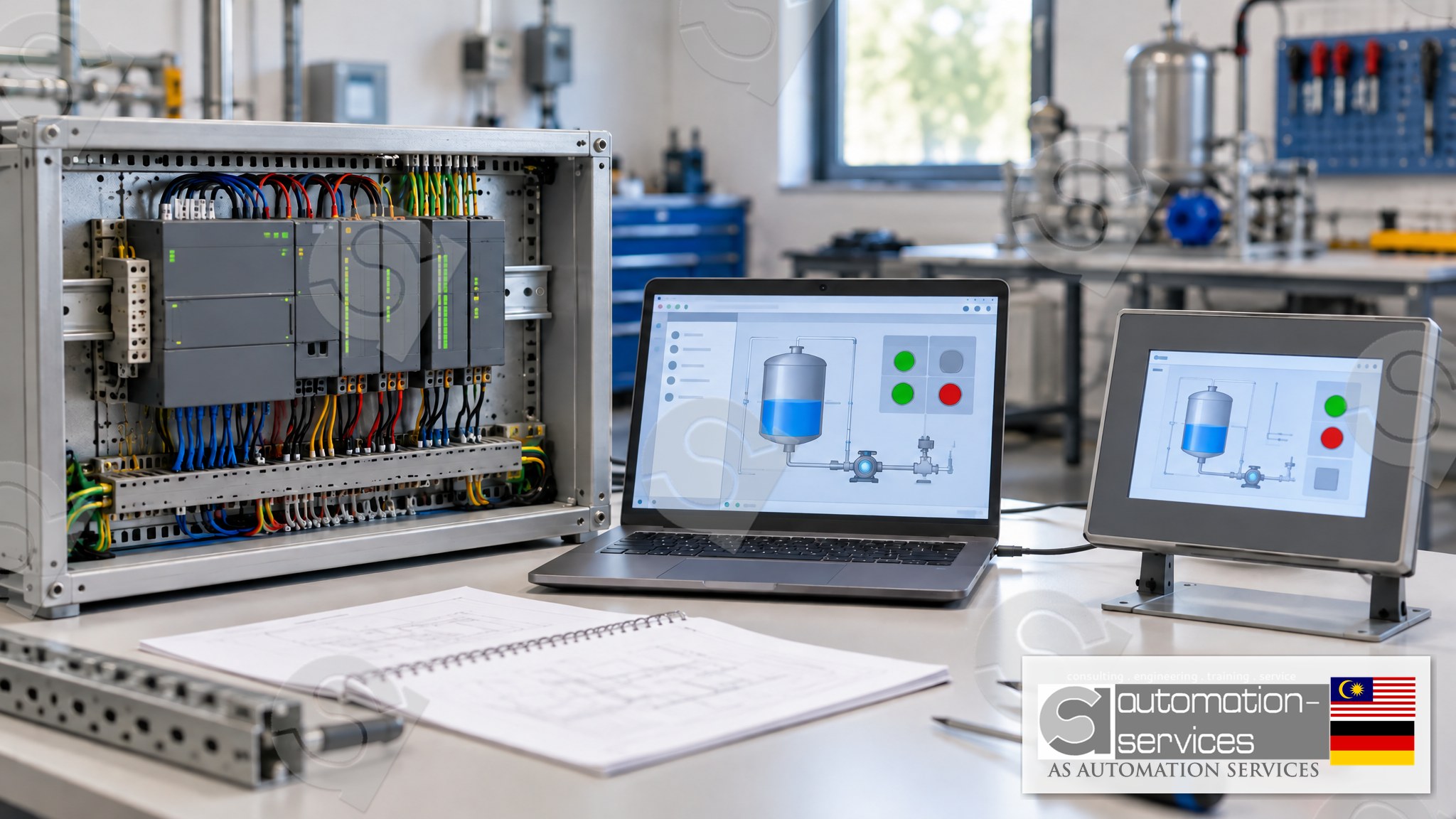
On a training kit, the first screen is deliberately boring: a start button, a stop button, a running lamp and a numeric display for a tank level. Boring is the point. Each object on the screen is wired to one PLC tag, and you can watch the tag change in the PLC program while you press the button on the panel. Once that link is obvious, alarms, trends and recipe screens are just the same idea repeated.
The panel used alongside this pairing is a Siemens Comfort-class panel such as the KTP400. The software and the panel have to match: a project built for a Comfort panel will not download to a Basic panel, and the error message you get is not friendly about why.
Why the HMI and the PLC are taught together
Most of the faults we see on HMI screens are not HMI faults. The button does nothing because the PLC tag address changed. The value reads zero because the data type in the PLC is an integer and the screen expects a real number. The alarm never clears because the PLC logic latches it and the screen only displays it. If you only learned the screen software, you would spend an hour editing objects that were never the problem.
This is also why HMI is not offered as a standalone course. The screen is the last 20 percent of the job. The PLC program is the other 80, and learning them apart produces engineers who can draw a nice screen and cannot explain why it does nothing. SCADA follows the same rule: it is taught as an addition inside a PLC course, not as its own class.
What the 3-day and 5-day formats cover
The 3-day format is Basic to Intermediate and covers the PLC plus the HMI: project setup in TIA Portal V18, ladder logic, tag structure, and a working HMI screen on the panel. The 5-day format is Basic to Advanced and adds analog input and output, a VFD, the PLC web server and a SCADA introduction on top of the same PLC and HMI base.
Both formats run at 80 percent Hands-On and 20 percent theory, on a training kit with a laptop, the PLC hardware and a printed manual included. The standard project is a Mixer Tank, which gives you a real process to display on the HMI: levels, valves, a mixer motor and alarms. Class size is capped at 10. For five or more participants the session can be run onsite; below five, it runs at the Johor Bahru lab.
Malaysian companies can claim the training under HRDCorp SBL-Khas, for company-sponsored groups of at least two participants. Personal enrolment is also open, and that option is not claimable.
A safety note before you touch a panel
Everything described here is practised on a training kit with no live process attached. A real HMI panel on a plant floor writes directly to the PLC that runs the machine. Changing a screen object, downloading a project or forcing a tag on a live panel can start equipment, and you should not do it without a permit, a risk assessment and the plant's own procedure. If you are learning, use a kit. If you are diagnosing a live machine, watch first and change nothing until someone authorised is with you.
How this compares with the other pairings
Every PLC brand has its own HMI software, and mixing them is the usual mistake. Mitsubishi FX5U projects use a Weintek panel with its own designer software. Omron CP1E and NX work with the NB HMI family. Schneider TM221 projects use Vijeo Designer. Keyence pairs KV Studio with VT Studio. Allen-Bradley has its own panel software tied to the RSLogix family. None of these will open a WinCC Comfort project, and WinCC Comfort will not open theirs.
So the practical question is never "which HMI software is best". It is "which PLC does my plant run", and the answer picks the software for you. If your plant is Siemens S7-1200 or S7-1500, that answer is WinCC Comfort inside TIA Portal.
What you leave with
By the end of the class you have a project you built yourself: a PLC program and an HMI screen for the Mixer Tank, saved on the laptop you trained on. You also get a certificate and free lifetime support, which matters six months later when you are staring at a panel you have not touched since the course and need someone to remind you which tag drives which object.
If you want to practise between classes, PLCPro Academy covers PLC, HMI and SCADA learning on your phone, which is useful for revising the tag and screen ideas but is not a substitute for time on the hardware.
Frequently asked questions
Can I learn HMI software without learning the PLC?
You can click through the screens, but you cannot finish a working project. Every object on an HMI reads or writes a PLC tag, so a fault on the screen is usually a fault in the PLC program. That is why HMI is taught only as part of a PLC course, never as a standalone class.
Is WinCC Comfort a separate program I have to install?
No. For the S7-1200 and S7-1500 family it is part of TIA Portal, so the PLC and the HMI share one project and one tag list. You add the panel as a device, pick the objects, and link each one to a tag that already exists in the PLC program you wrote.
Which Siemens panel does this course use?
A Comfort-class panel such as the KTP400, paired with the S7-1200 on a training kit. The panel class matters: a project built for a Comfort panel will not download to a Basic panel, so the software choice and the hardware choice have to be made together.
Can my company claim this under HRDCorp?
Yes, for Malaysian companies sponsoring at least two participants, under SBL-Khas. Personal enrolment is available too, but a self-funded seat is not claimable. Onsite delivery is available for groups of five or more across Peninsular Malaysia, Sabah, Sarawak and Singapore.
Next step
See the Siemens S7-1200 course this guide describes, including the 5-day format that adds the VFD, web server and SCADA on top of the PLC and HMI base: Siemens S7-1200 and TIA Portal, Basic to Advanced. If you are still deciding which brand to start with, read which PLC brand to learn first.
Browse all courses at asasmy.com/training. For a fault on a machine you already run, use the troubleshooting inquiry. For a group booking, send an RFQ, WhatsApp Mr. Yokes on +60 10-244 3914, or email [email protected].
Interested in Hands-On PLC Training?
HRDCorp claimable courses on real industrial equipment — at our Johor Bahru lab or onsite at your factory anywhere in Malaysia.
Request Training Quotation