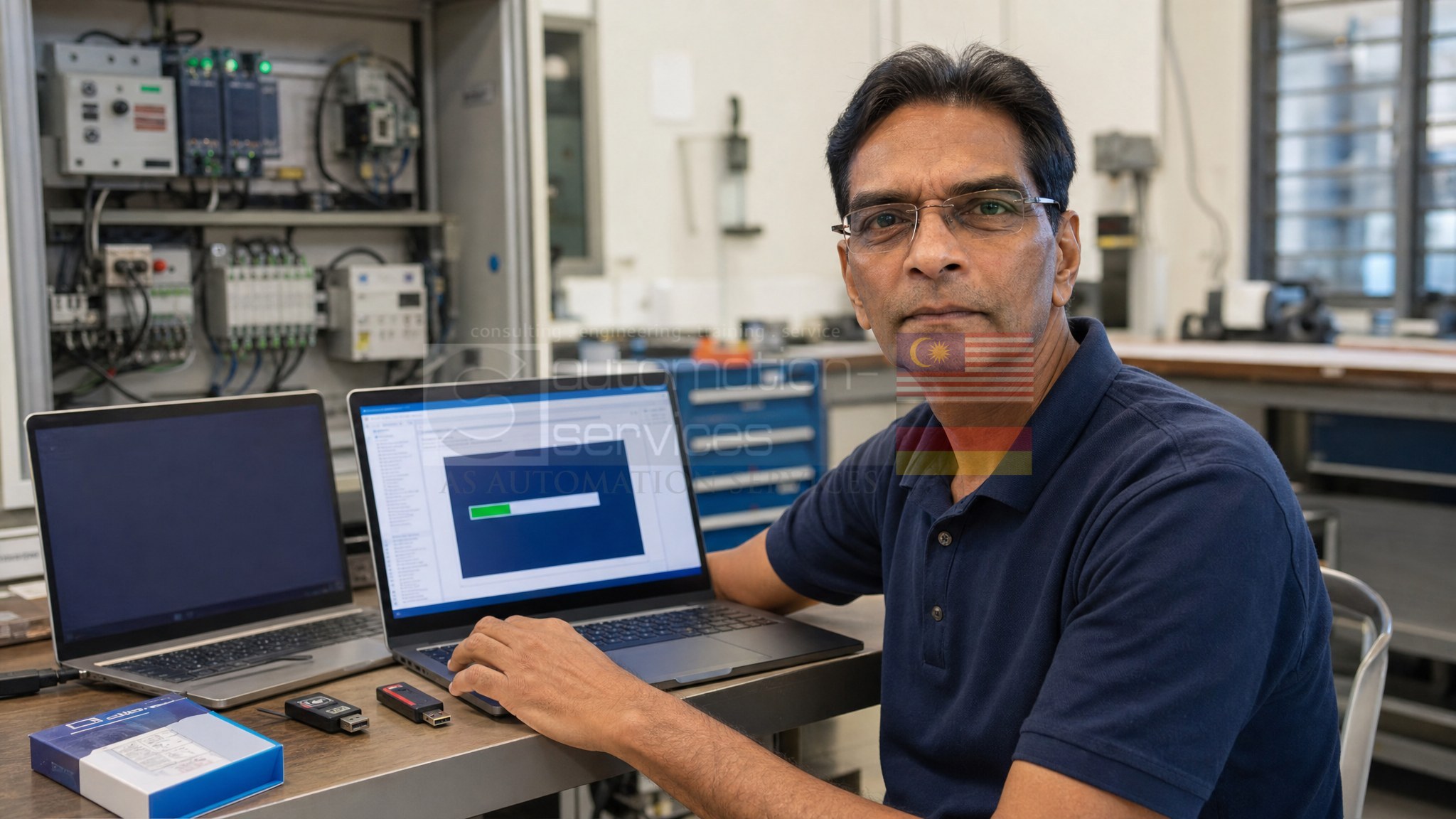
Software Installation Service (Install Assist)
PLC / HMI / SCADA Software Installation Service
Professional installation of Siemens, Allen Bradley, Mitsubishi, Omron, Schneider, Keyence and other industrial automation software.
Multi-Device Discount Available
2 Devices
4% OFF
3 Devices
6% OFF
4–10 Devices
11% OFF
Starting From RM350
PLC • HMI • SCADA • Industrial Networking Software
Install Assist is our professional software installation service for industrial automation engineers, students and hobbyists in Malaysia. We install PLC, HMI and SCADA engineering software on your personal-owned laptop or desktop — correctly configured, tested and ready to use. Base price is RM350 per device for up to 4 software titles, with multi-device discounts and optional add-ons.
How It Works
1. Enquire
WhatsApp or use the enquiry form below with your software titles and device details.
2. Confirm & Pay
We confirm compatibility and pricing. Full payment is required before collection.
3. Drop Off / Ship
Drop off your device at our Johor Bahru centre, or ship it to us via courier.
4. Installation
We install and verify all requested software on your device.
5. Collect / Deliver
Self-collect for free, free delivery to Skudai/Tampoi, or DHL return (RM26).
Price Calculator
Estimate your total — base RM350 per device (up to 4 software titles).
Number of devices (max 10 per batch)
No discount (1 device)
Add-ons (per device)
Return delivery
Estimate Breakdown
- Base — RM350 × 1 device
- RM350.00
- Delivery
- FREE
Estimate only — final pricing confirmed on enquiry. Full payment is required before collection.
Supported Software
System Requirements
- Personal-owned laptop or desktop with full administrator rights
- Windows 10 / 11 Pro (Windows Home requires the Pro upgrade add-on)
- Minimum 8GB RAM (16GB required for VMware setup)
- Minimum 256GB SSD (1TB required for VMware setup)
- Working internet connection is required during installation
- Clients must provide their own software licences where applicable
Licence Notice — Please Read
ASASMY does not supply or resell software licences. Clients must provide their own valid licences where applicable. Our service covers professional installation and configuration only.
IMPORTANT: We do NOT accept company or plant-owned laptops/desktops. This service is strictly for PERSONAL-OWNED devices only.
Drop-Off at Our Centre
AS Automation Services & AS Automation Systems Training Centre PLT
No 9-01, Jalan Pertama 5, Pusat Perdagangan Danga Utama,
81300 Johor Bahru, Johor, Malaysia
Monday – Friday, 9:00 AM – 5:00 PM
...
Ship Your Device to Us
- Inbound shipping fee is borne by the client
- WhatsApp us the tracking number after shipping
- Return delivery: FREE to Skudai/Tampoi, or RM26 via DHL
- Full payment is required before the device is returned
Enquire via WhatsApp
Fill in your details — we'll open WhatsApp with your enquiry pre-filled, including your calculator selections above.
Interested in this service?
Contact us for a service quotation or WhatsApp us directly — we respond fast during office hours.